Network Reconnaissance with Nmap
Learn how to use Nmap in a safe lab environment to discover hosts, identify open ports and understand the services running on a target system.
Learning progress
Track this lab against your account.
Lab Introduction
Nmap (Network Mapper) is a widely used network discovery and security auditing tool. In this beginner lab, you will learn how to use Nmap to discover a target system, identify open ports and examine services running on the target.
All scanning in this lab should be performed only against systems you own or an authorized lab environment.
Learning Objectives
By completing this lab, you will be able to:
• Understand the basic purpose of Nmap. • Check whether a target host is reachable. • Perform a basic port scan. • Identify open ports on a target system. • Identify services running on discovered ports. • Interpret basic Nmap scan results.
Requirements / Tools
• Nmap installed on your computer • Windows, Linux or macOS • Terminal, Command Prompt or PowerShell • An authorized target such as your own computer, virtual machine or controlled lab environment • Basic understanding of IP addresses and network ports
Step-by-Step Instructions
Step 1 — Check Nmap Installation
Open Command Prompt, PowerShell or Terminal and run:
nmap --version
You should see the installed Nmap version.
Step 2 — Identify Your Lab Target
Choose a system that you own or are authorized to scan. Record its IP address.
Example private lab IP:
192.168.1.10
Your IP address may be different.
Step 3 — Check Host Availability
Run:
nmap -sn 192.168.1.10
Review the result to determine whether the host is reachable.
Step 4 — Perform a Basic Scan
Run:
nmap 192.168.1.10
Nmap will examine commonly used TCP ports and report their states.
Step 5 — Identify Services
Run:
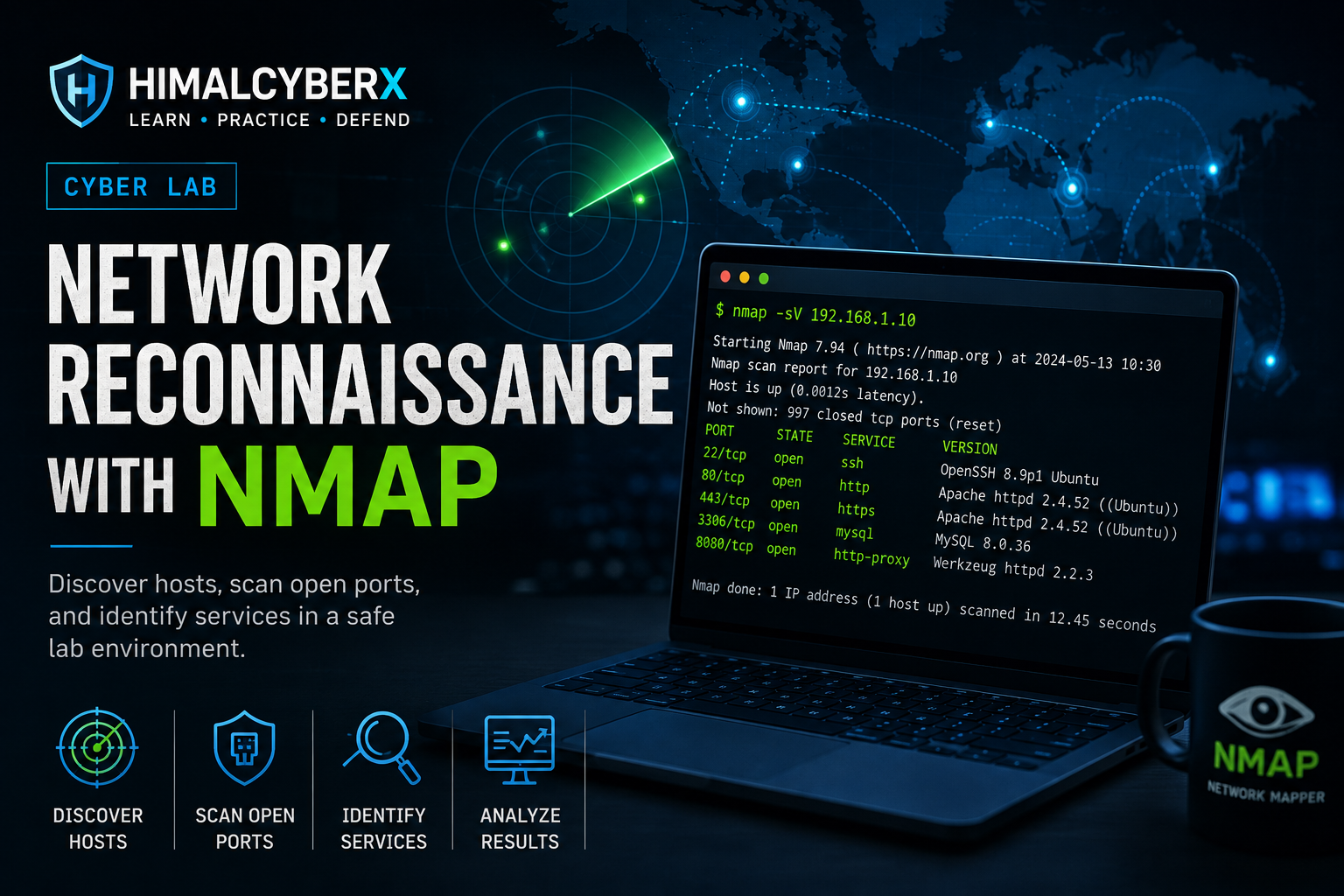
nmap -sV 192.168.1.10
Review the SERVICE and VERSION information returned by Nmap.
Step 6 — Review Your Results
Record:
• Target IP address • Open ports discovered • Port numbers • Services identified • Any unexpected services
Do not attempt to exploit any discovered service.
Expected Result
The learner should successfully run Nmap against an authorized lab target and receive scan results showing the target's port states.
Depending on the target configuration, the results may contain one or more open ports and associated services.
Learners should be able to explain what the discovered ports and services represent rather than treating an open port as proof of a vulnerability.
Security Notes
Only scan systems and networks that you own or have explicit permission to test.
Network scanning can trigger security monitoring systems and may violate organizational policies or applicable laws when performed without authorization.
This lab is designed for defensive cybersecurity education. Do not scan public websites, external organizations or third-party systems as part of this exercise.